
Recent Photographs
Long weekend to Holberry House Nannup and the forest giants of Walpole-Nornalup National Park
All photographs are Copyright © to Jeff Ewen and are used with permission. All rights reserved.
- 3D180 Viewer Quick Reference (click/tap to show)
| Menu | Dropdown | Key | Function |
|---|---|---|---|
| Full | Enter | Full-Screen mode (if supported by your browser) | |
| Tch | Head tracking ⇐⇒ touch scrolling switch when on a phone | ||
| Stereo | S | Dropdown menu for the stereo viewing method |
|
| SBS | Side by side (Computer monitor, Tablet, Large Print or Smart Phone 3D and VR Viewers) | ||
| LR/RL | Stacked SBS for Parallel/Cross view (free-viewing) | ||
| Dubois | Dubois Colour Anaglyph (Red-Cyan glasses required) | ||
| Colour | Colour Anaglyph (Red-Cyan glasses required) | ||
| Grey | Grey Anaglyph (Red-Cyan glasses required) | ||
| H_Int. | Row Interlaced (Cinema 3D, Passive 3D monitor and Circular Polarised glasses required) | ||
| V_Int. | Column Interlaced (3DLCD, Acer SpatialLabs) | ||
| 2D | Single Image View | ||
| Prev | Back space | Previous Image | |
| Next | Space Bar | Next Image | |
| M | Show/Hide menu buttons | ||
| Shift + Arrow keys | Position adjustment of left and right images | ||
| Shift + K/L key | Rotation adjustment of left and right images | ||
| Home key | Adjustment value clear | ||
| Mouse (PC) | Mouse wheel | Zoom in/out | |
| Double click | Show/Hide menu buttons | ||
| Mouse drag | Scroll through the images | ||
| Touch Screen | Pinch | Zoom in/out | |
| double taps | Show/Hide menu buttons | ||
| Touch scroll | Tch <-> Dev button, You can switch between touch scrolling <-> head tracking. Even in head tracking mode, you can do horizontal touch scrolling |

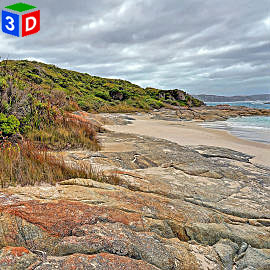
Click or tap on any photograph showing this icon to launch the HTML5 3D180 Stereo Viewer
VR 3D180 Format - (6552 x 6552)
| Holberry House + Sculpture Walk - Nannup WA Holberry House is a boutique guesthouse and bed-and-breakfast located in the heart of Nannup, Western Australia. Set on four acres of tranquil, landscaped gardens, the property is designed as a classic two-storey English manor. A feature in the grounds are sculptures and works of art by talented West Australian sculpture artists. |
||
 001 |
 002 |
 003 |
 004 |
 005 |
 006 |
 007 |
 008 |
 009 |
 010 |
 011 |
 012 |
| Old Railway Bridge - Nannup WA A feature of the bridge and the nearby flood tree are markers showing the height of past floods. In 1982 the bridge was completely submerged by a flood caused by the remnants of tropical cyclone Bruno that caused the river level to rise to 11.6m above normal. |
||
 013 |
 014 |
 015 |
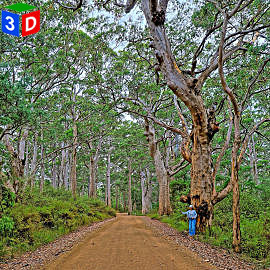
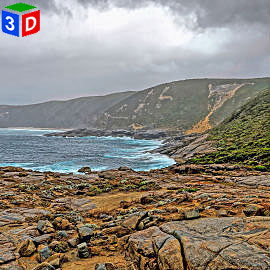
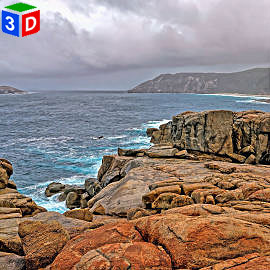
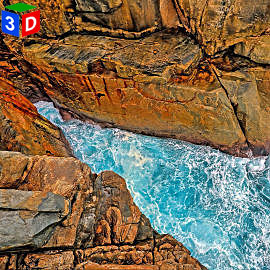
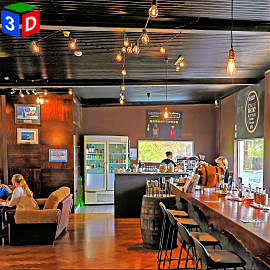
| Ancient Empire Walk - Walpole-Nornalup National Park The Ancient Empire Walk in Western Australia features massive Red Tingle trees that can reach heights of up to 70–75 metres (roughly 230–245 feet) and are over 400 years old. These towering eucalyptus trees, with enormous, buttressed bases, form a spectacular ground-level walk adjacent to the 40-metre-high suspended Tree Top Walk. |
||
 016 |
 017 |
 018 |
 019 |
 020 |
 021 |
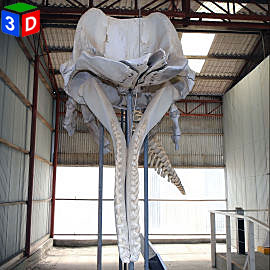 022 |
 023 |
 024 |
 025 |
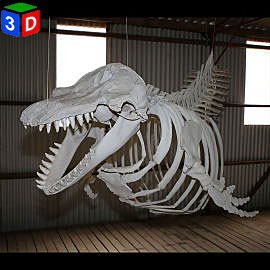 026 |
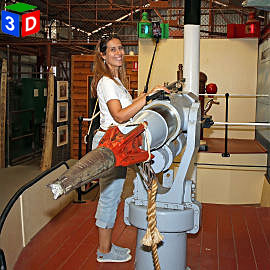 027 |
 028 |
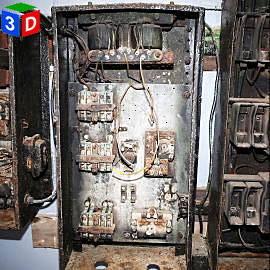 029 |
 030 |
 031 |
 032 |
 033 |
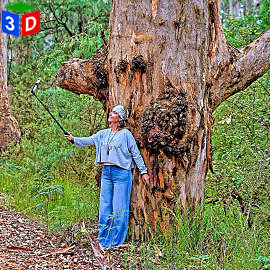
| Giant Tingle Tree - Walpole-Nornalup National Park The specific, famous "Giant Tingle Tree" (Eucalyptus jacksonii) in Walpole-Nornalup National Park, Western Australia, stands approximately 30-35m tall. While not exceptionally tall for its species, it is renowned for its massive, fire-hollowed base, boasting a circumference of over 22m. |
||
 034 |
 035 |
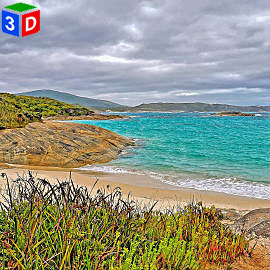 036 |
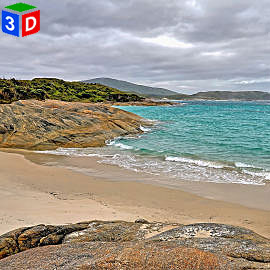 037 |
 038 |
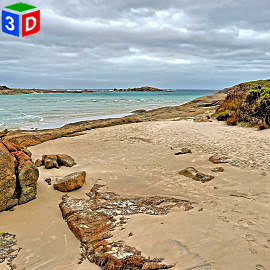 039 |
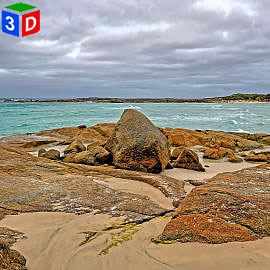 040 |
 041 |
 042 |
 043 |
 044 |
 045 |
 046 |
 047 |
 048 |
 049 |
 050 |
 051 |
 052 |
 053 |
 054 |